
AIRSTAGE Cloud
Contents
- Safety Precautions
- Overview of AIRSTAGE Cloud and Edge Supervisor
- Introduction on AIRSTAGE Edge Controller
- Introduction on PE100A (UTY-DSGXZ*)
- Initial Setup
- Log In
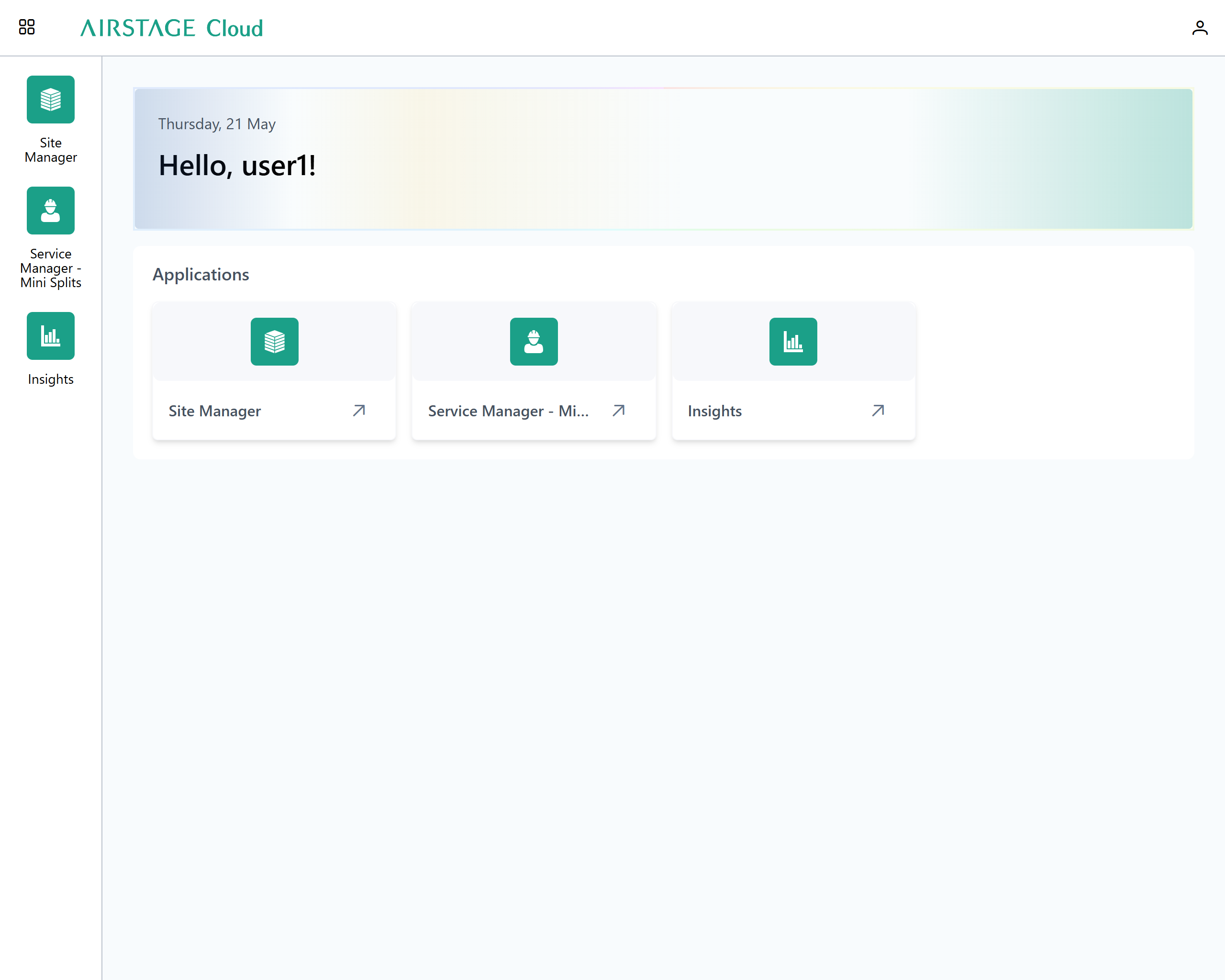
- Apphub
- AIRSTAGE Cloud Site Manager
- Basic Instructions
- Portfolio Dashboard
- Site Dashboard
- When operating from AIRSTAGE Edge Controller
- Change the setting of Edge Supervisor
- Check or change the Site settings
- Perform the addition, setting change, and removal for Building
- Perform the addition, setting change, and removal for Floor
- Perform the addition, setting change, and removal for Zone
- Perform the setting change for Zone collectively (Bulk Edit Zones)
- Perform the addition, setting change, and removal for Device
- Detect the connecting devices (VRF Scan)
- Perform the setting change or removal for device
- Detect the connecting devices (Split Systems Scan)
- Perform the addition, setting change, and removal for Device (Split Systems)
- Detect the connecting device (ventilator)
- Detect the connecting device (Roof Top Unit)
- Perform the setting change or removal for Roof Top Unit
- Detect the connecting device (LoRaWAN Device)
- Perform the setting change or removal for LoRaWAN Device
- Check and Edit Your Profile
- Settings (only for Administrator)
- Service Manager - Mini Splits
- Insights


9373328506-19