



 GLOBAL | English
FAQ: Split Systems Function Details: AR-RVD2U/AR-RVD3U
Time setting

Set the current time and day of the week.
Temperature unit switching
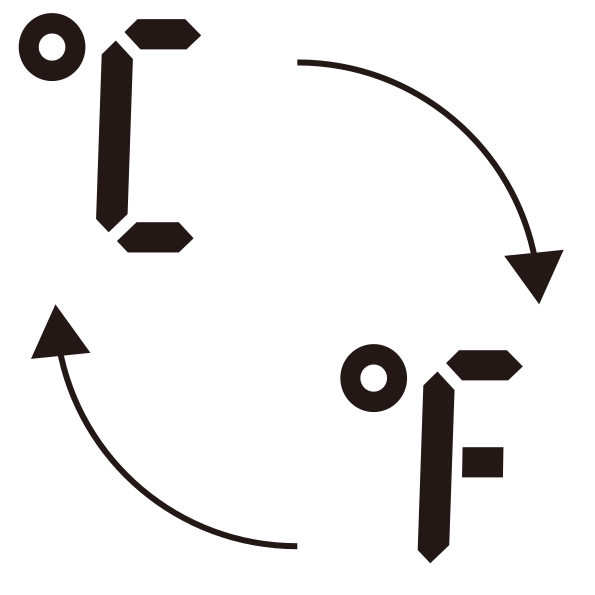
You can switch the temperature unit between °C and °F.
Display language switching
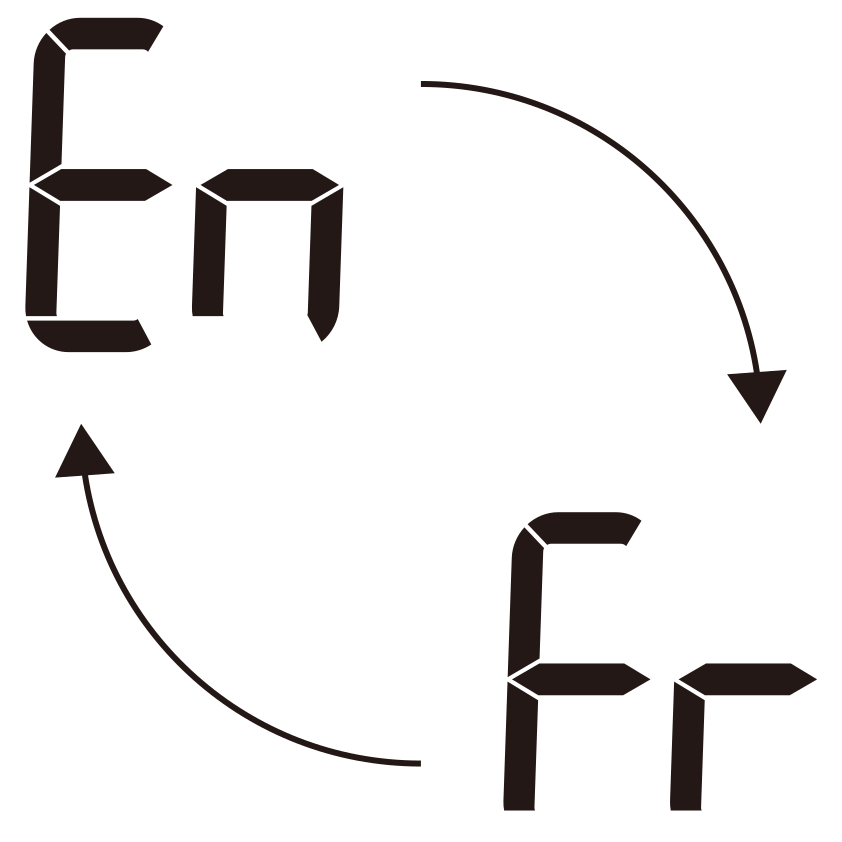
You can switch the display language between English and French.
Backlight Setting

Select the brightness of the remote control display from two levels.
Powerful operation

The air conditioner willl operate at maximum power and strong airflow to cool down or warm up the room quickly.
Economy operation

It saves more electricity than other operation modes by changing the set temperature to a moderate setting.
Minimum heat operation

Maintains the room temperature at 10.0°C (50°F) so as to prevent the room temperature to drop too low.
LED brightness setting

Reduces the brightness of the indicator lamps on the indoor unit.
Sleep timer

Supports your comfortable sleep by moderating the air conditioner operation gradually. After the set time has elapsed, the air conditioner operation turns off.
On timer/Off timer
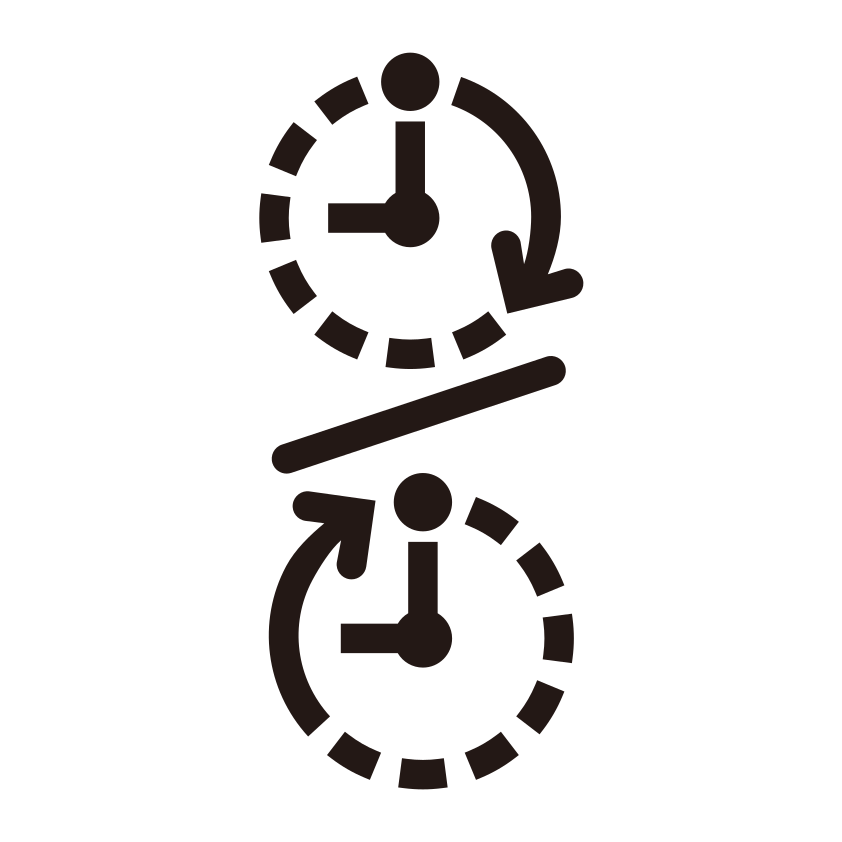
Starts/Stops the operation at your desired time.
Program timer
Operates as a combination of the On timer and Off timer.
Temporary deactivation of WLAN

Use this function if you want to set the air conditioner to be inoperable from a mobile device.
Initialization (reset) of WLAN

Initialize (reset) the WLAN adapter or device in the following situations:
- Changing the access point
- Disposing of this product
- Transferring this product to a third party