Remote Function Setting
This function performs “Read” and “Write” on the function settings (Target switch) of the indoor unit and outdoor unit to achieve optimal operation according to the installation environment. In addition, the results of “Read” and “Write” can be output as a list report.
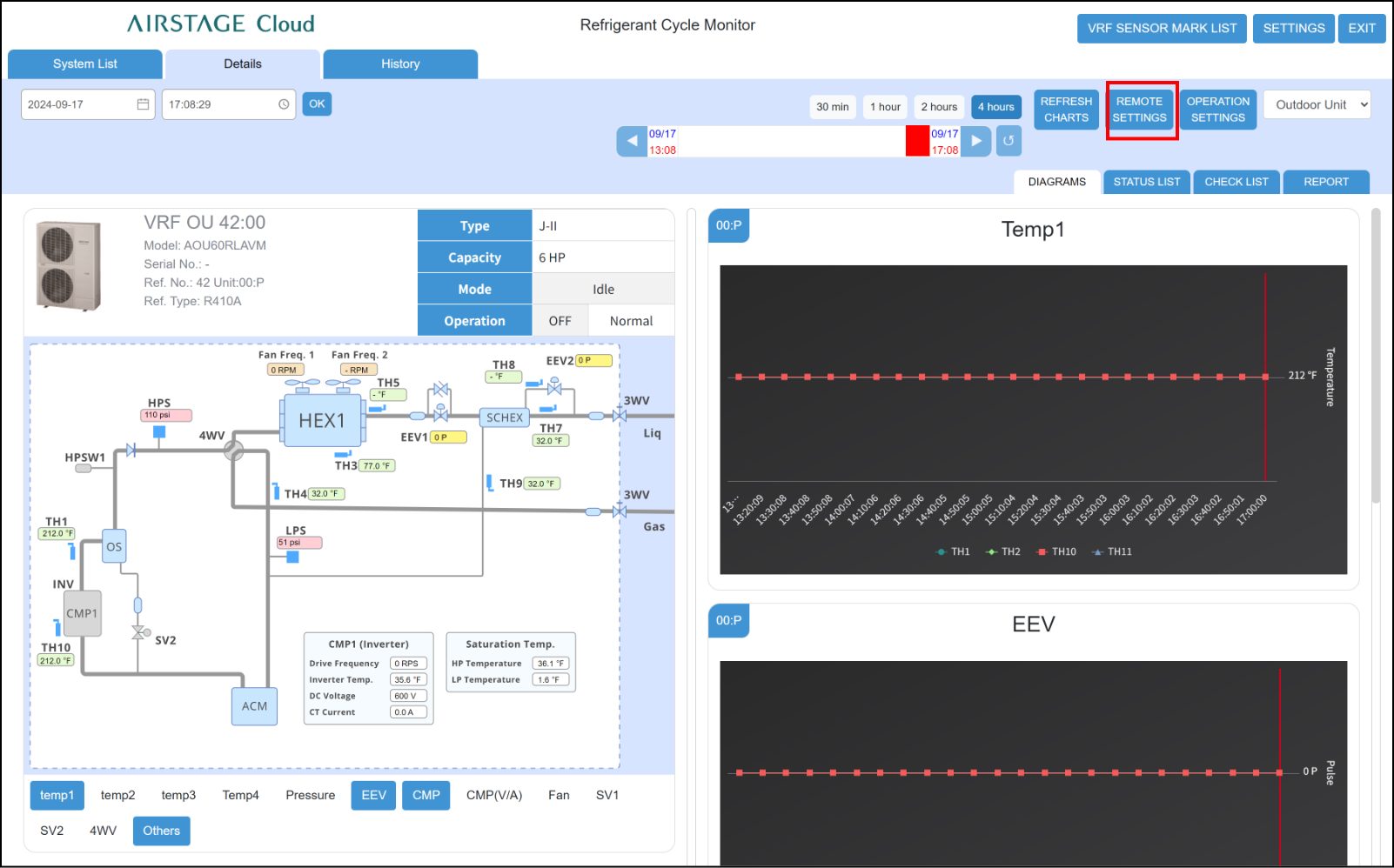
- Tap the “REMOTE SETTINGS” button on the “Refrigerant Cycle Monitor” screen.
- “Remote Settings” modal appears.
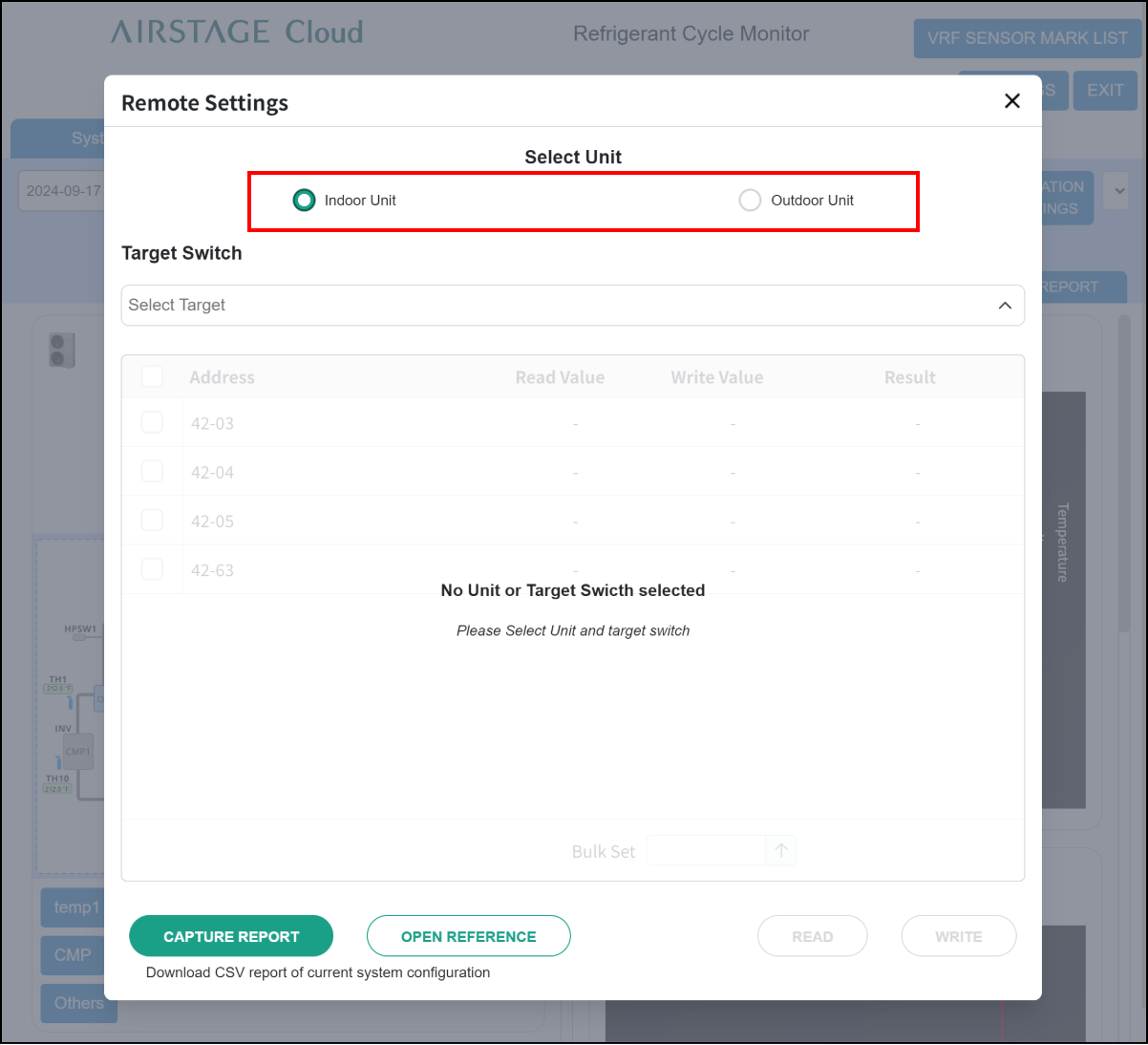
- Select either “Indoor Unit” or “Outdoor Unit”.
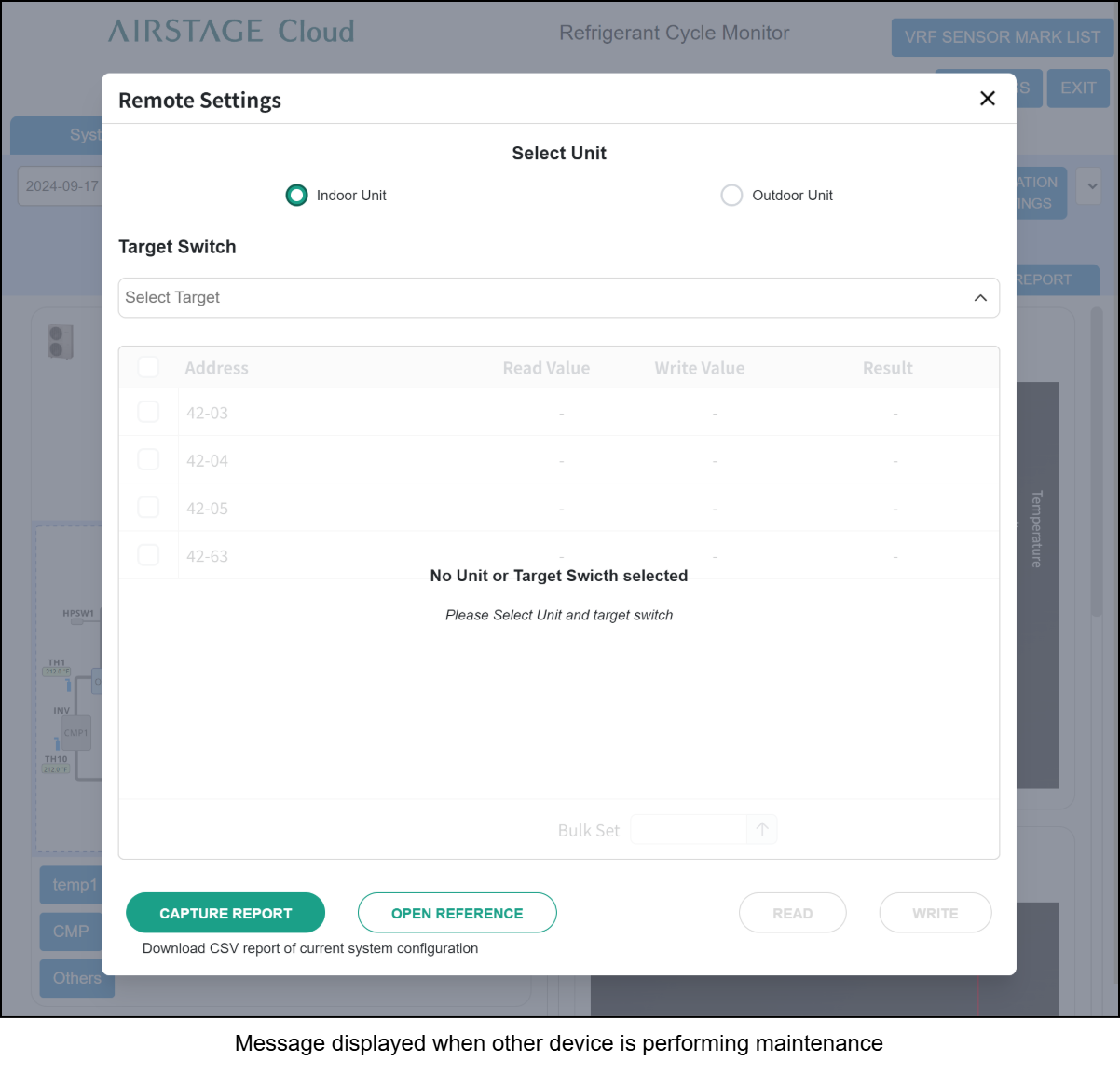
Message displayed when other device is performing maintenance
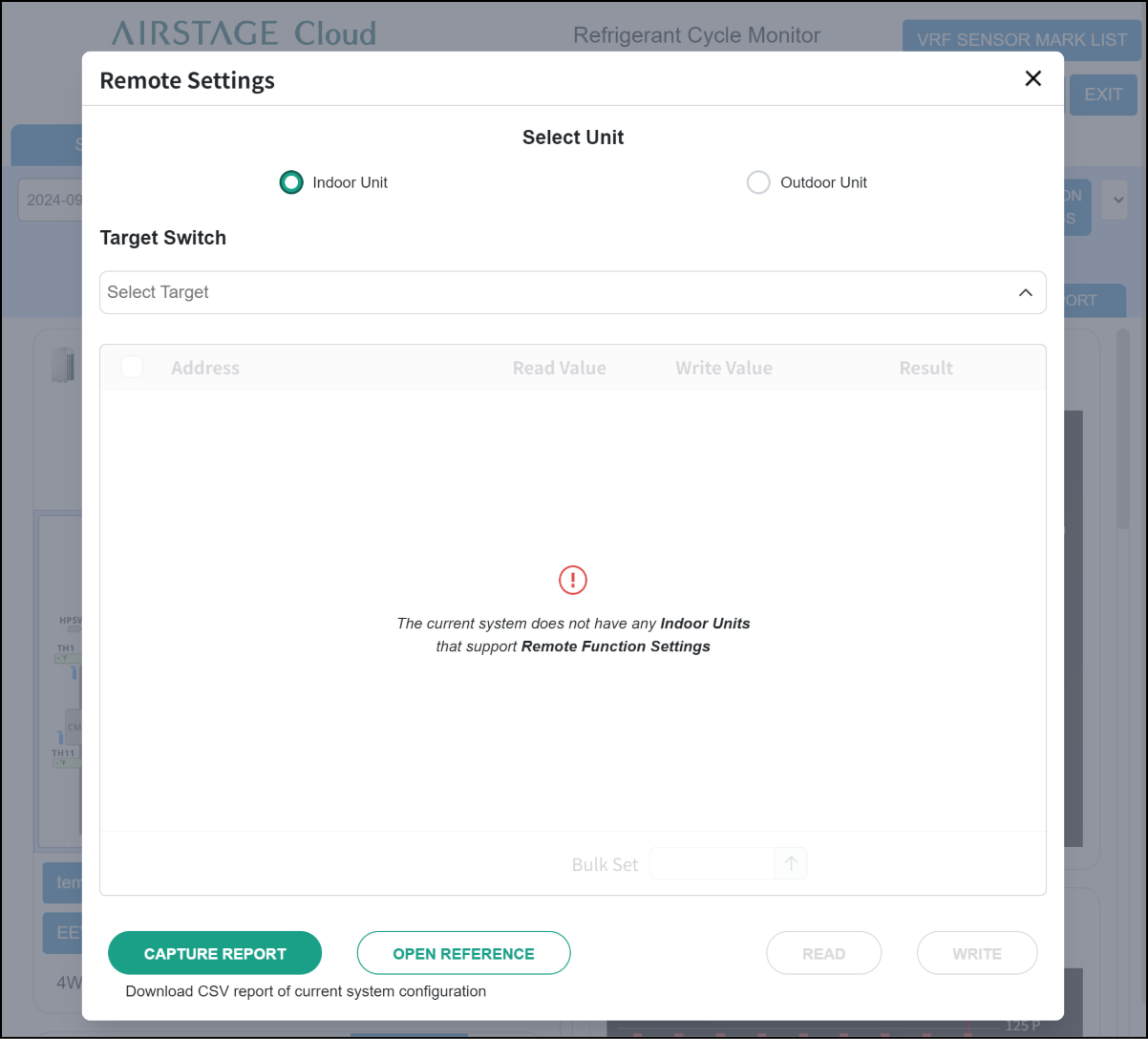
- Select the function to perform “Read” or “Write” from Target Switch list.
Step1
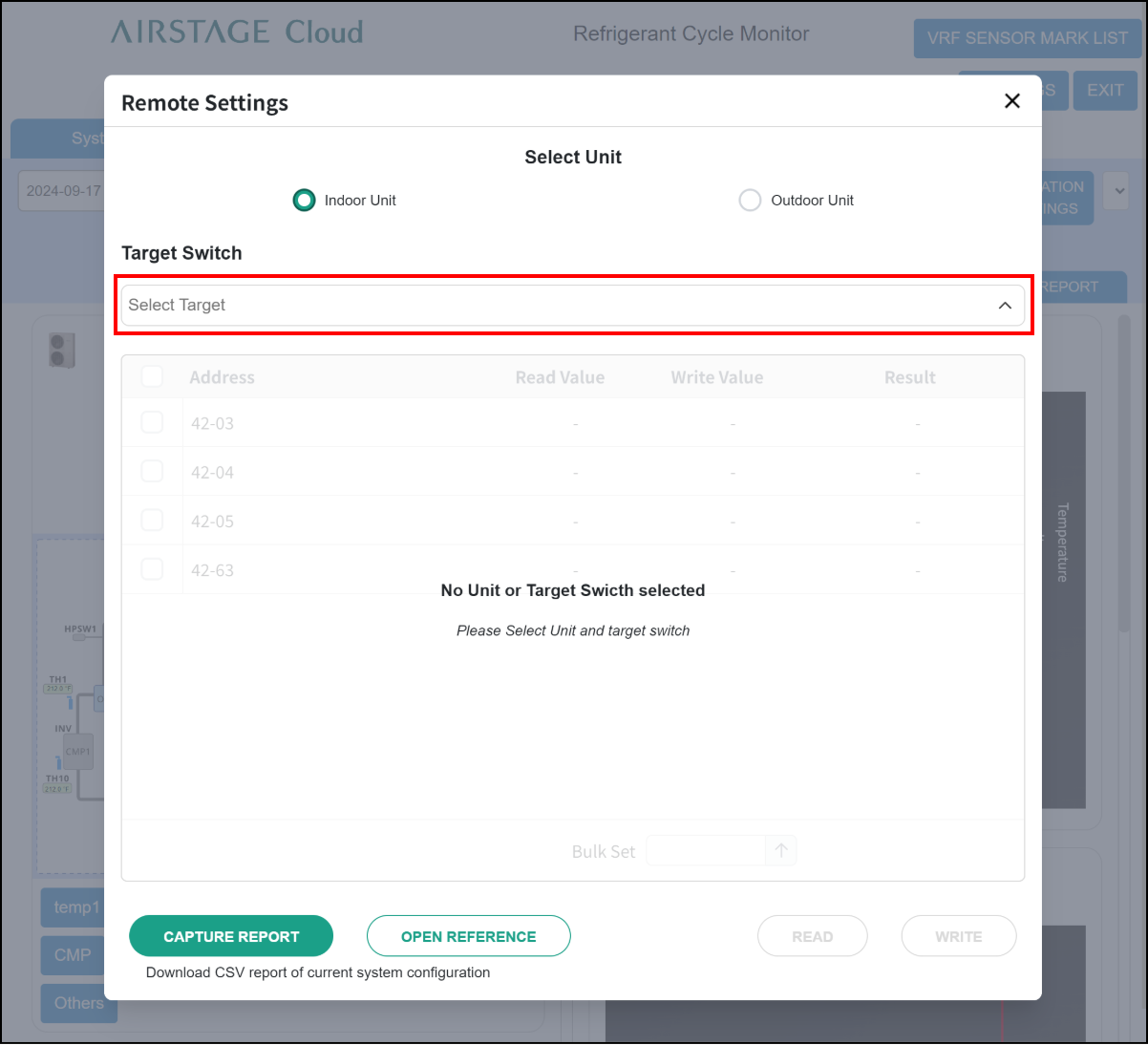
Step2
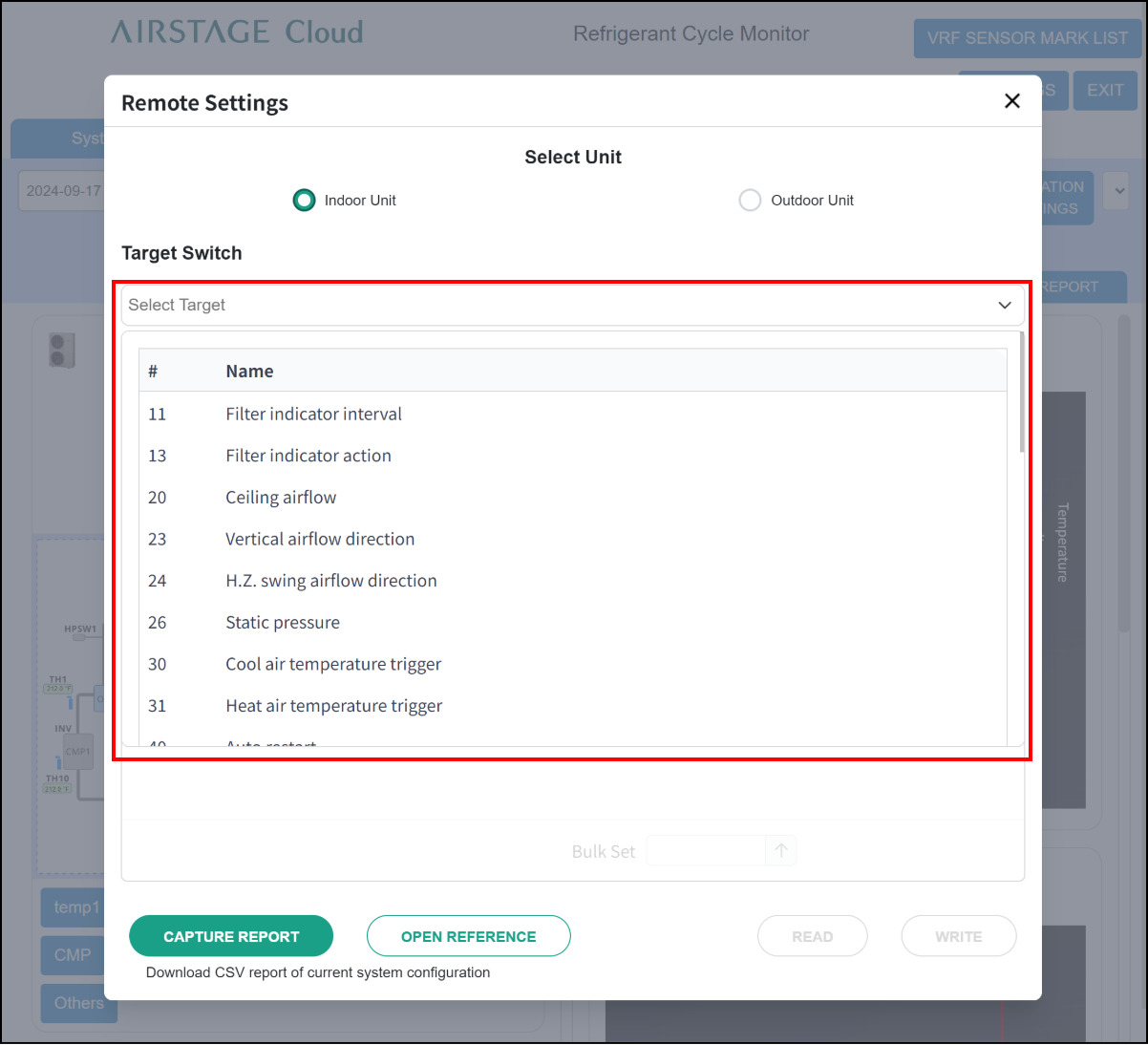
- Select the target indoor or outdoor units. Check the □ box at the top to select all indoor or outdoor units in a list.
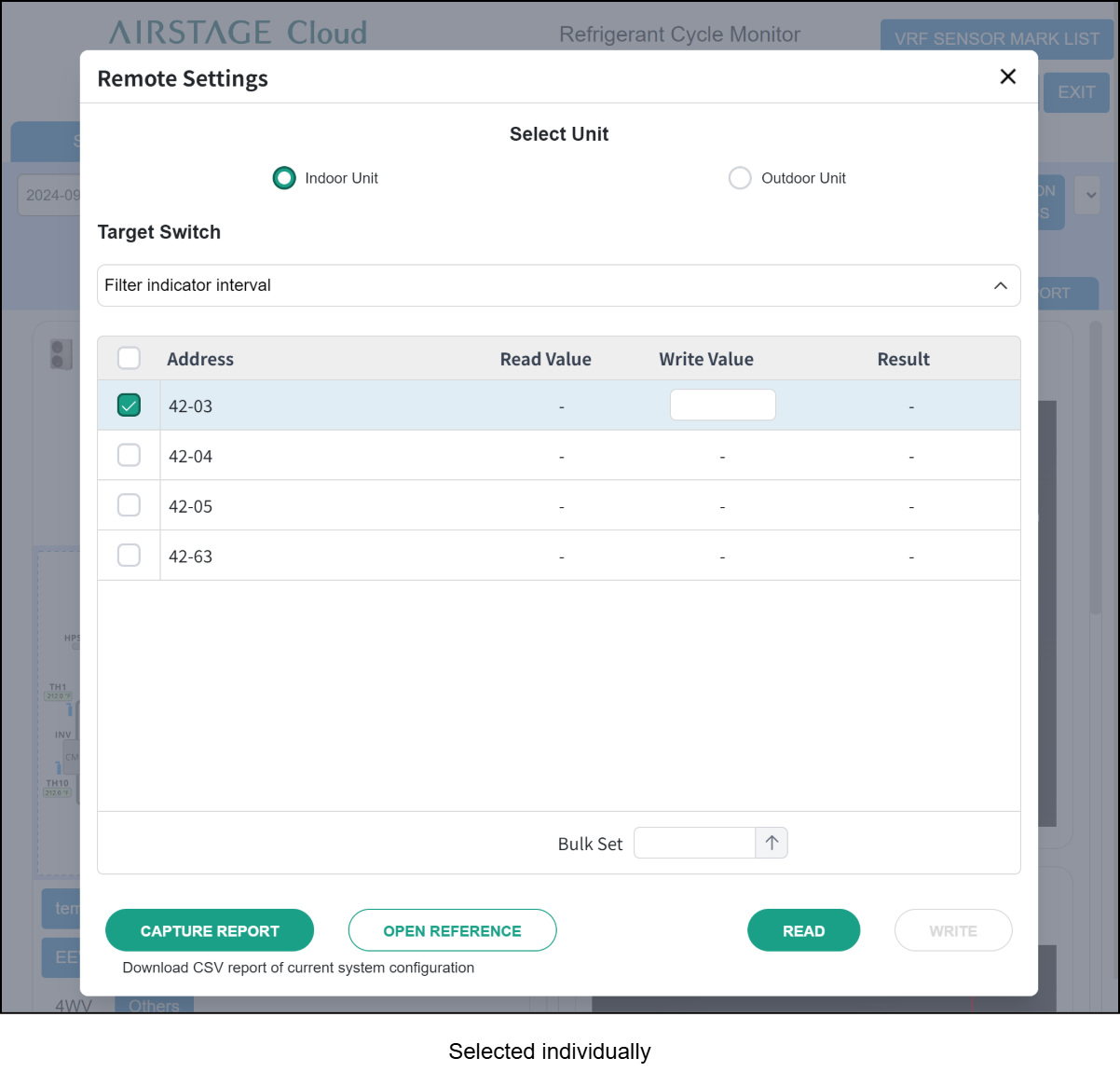
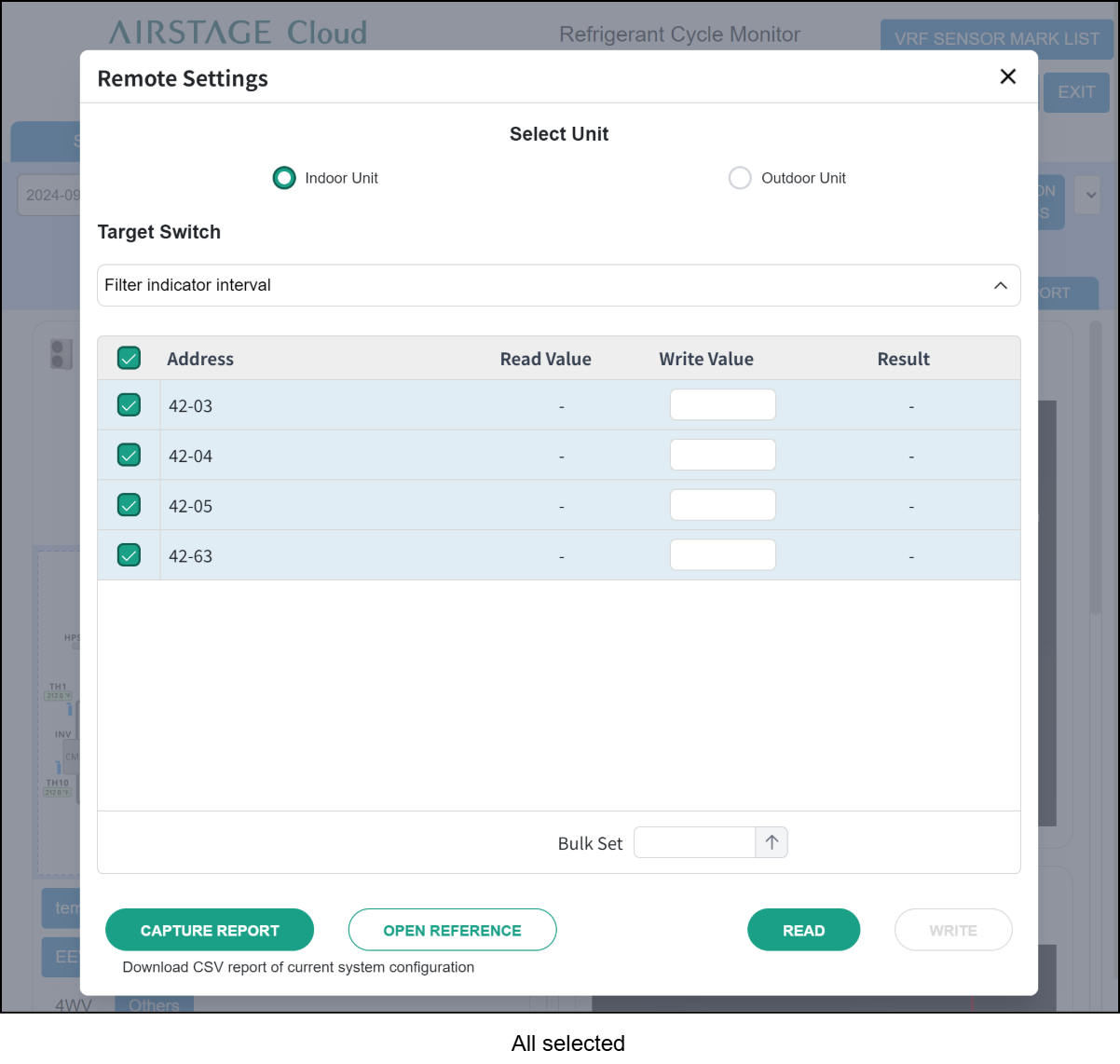
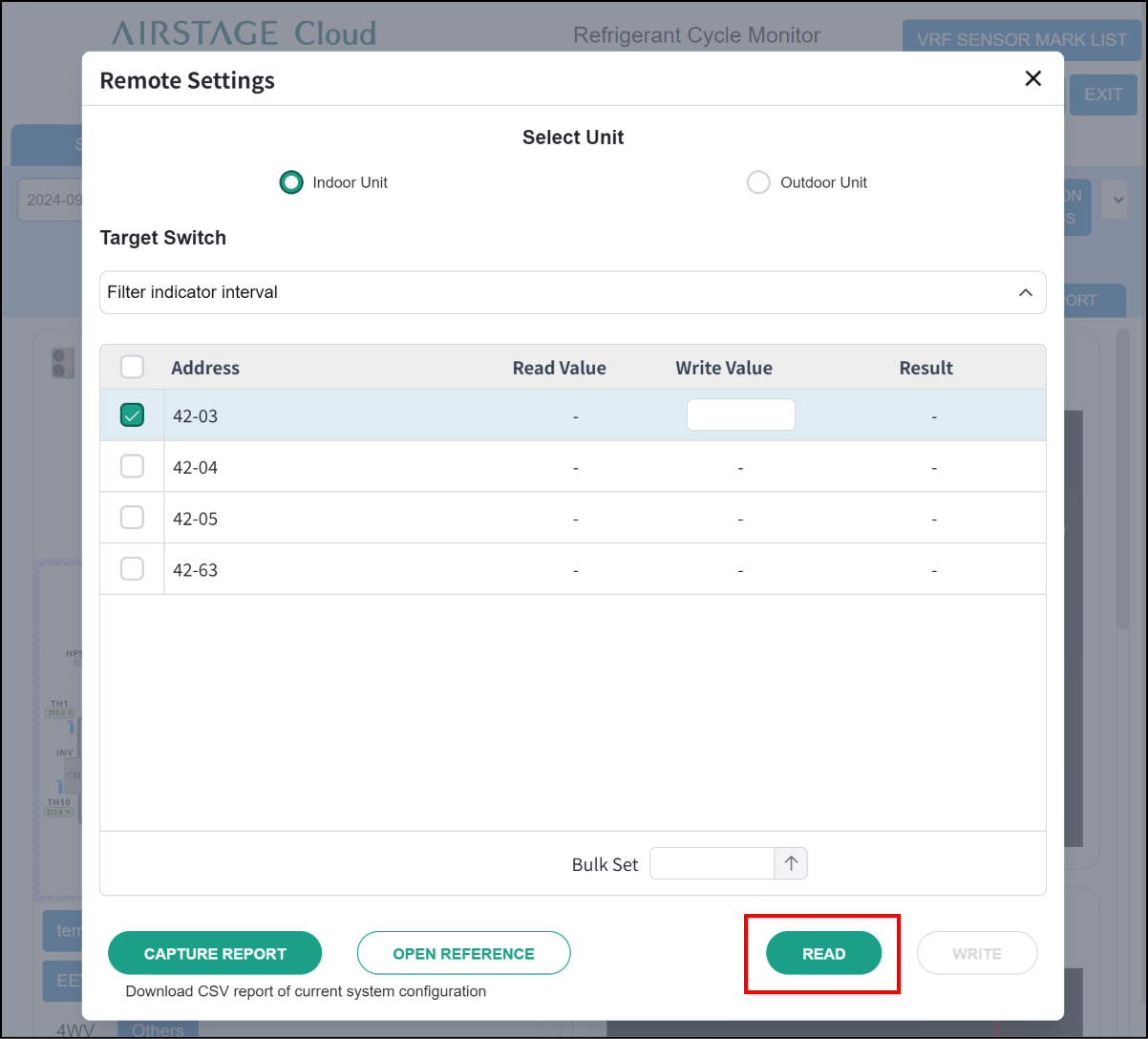
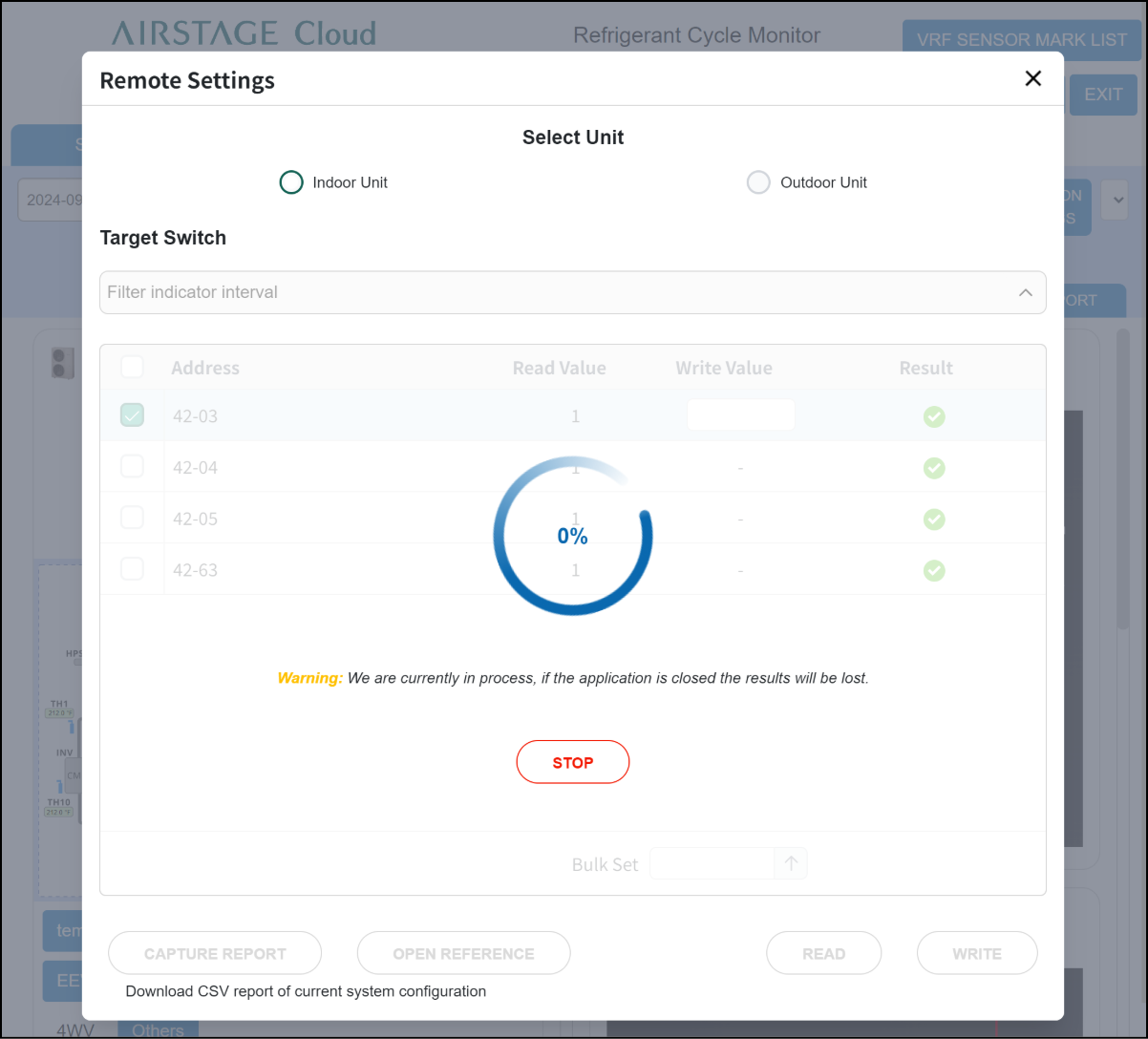
- Perform “Read” to check the currently set value. Tap the “Read” button at the bottom of the screen.
If a large number of units are selected, this process may take several minutes or longer.
Step1
Step2
Step3
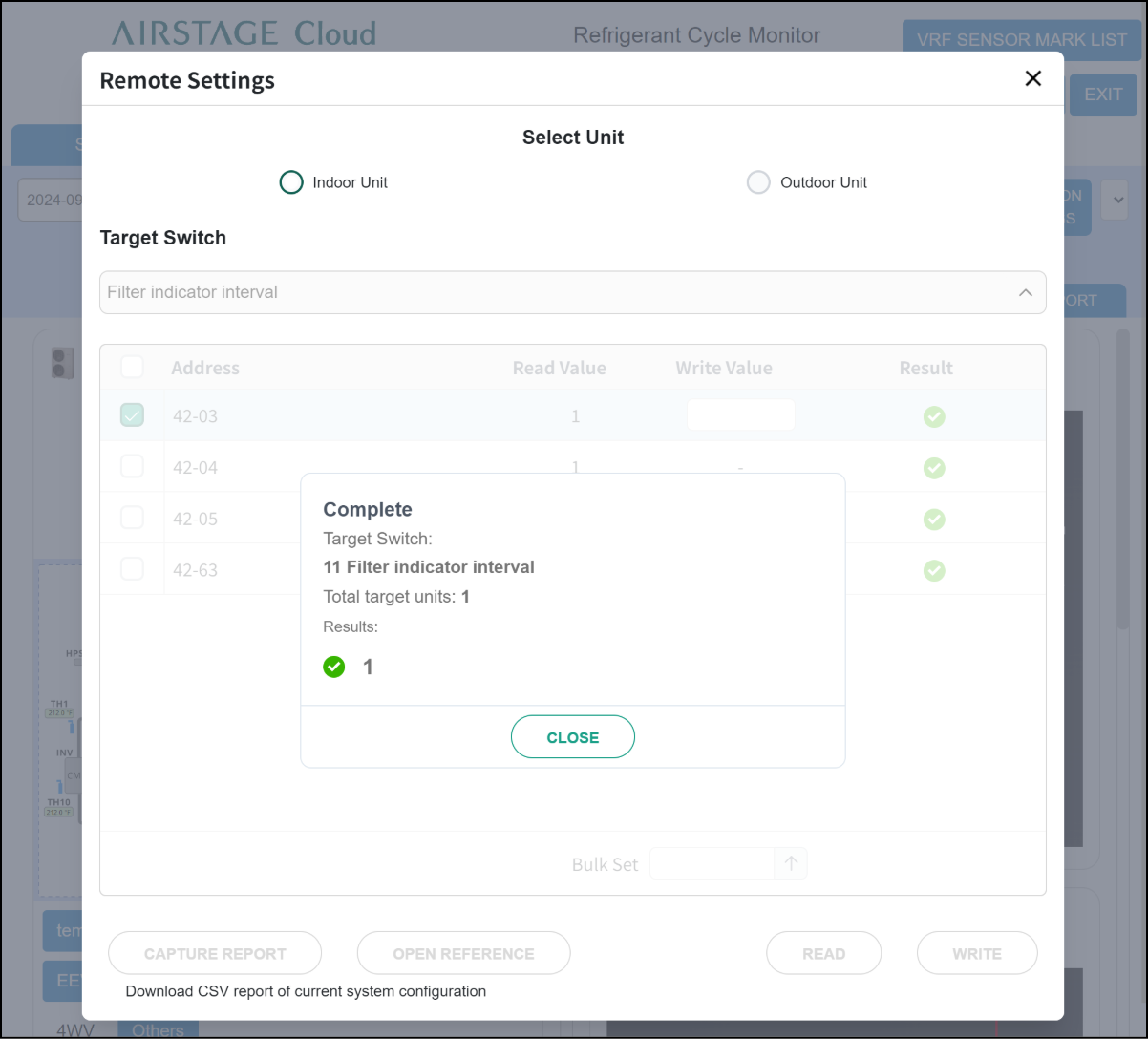
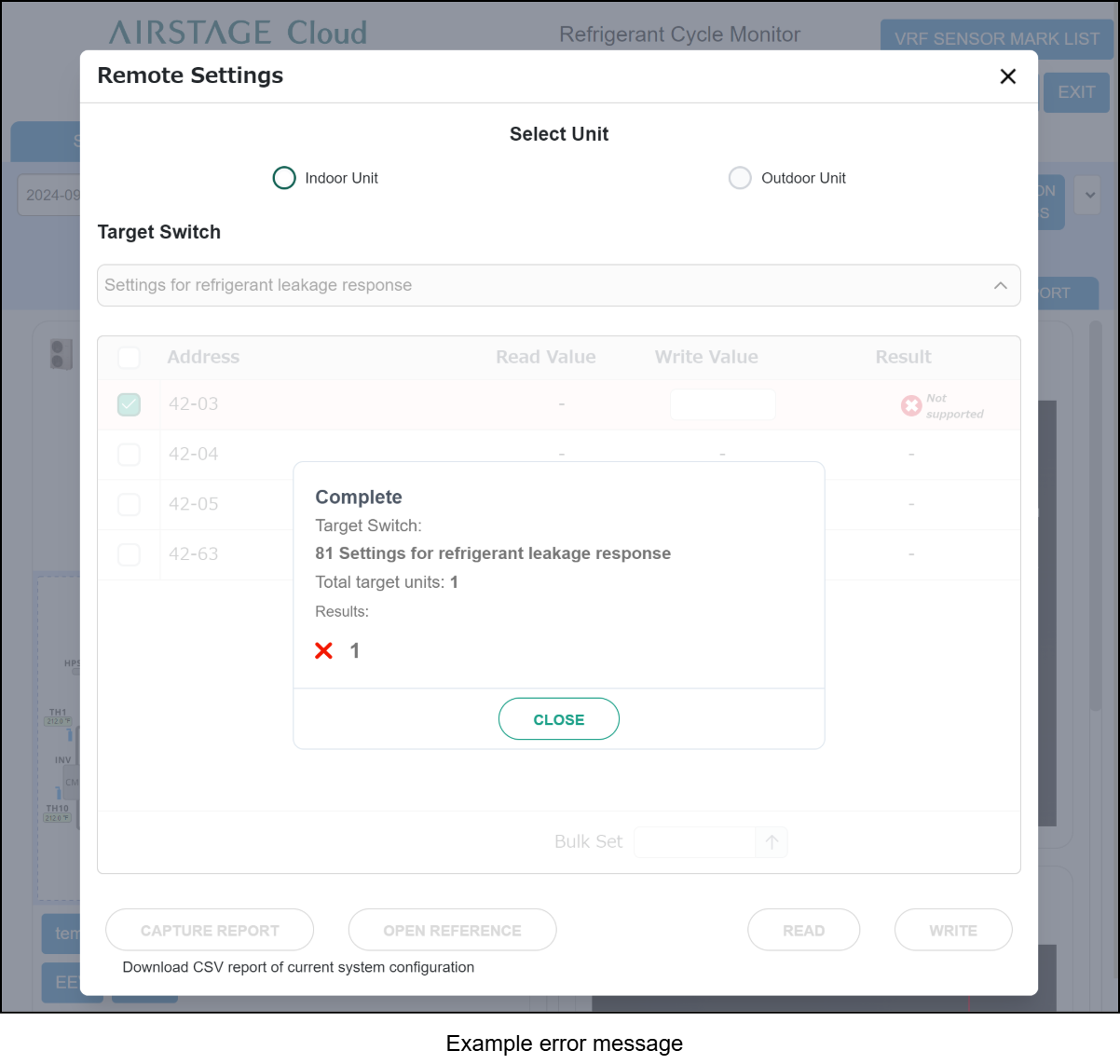
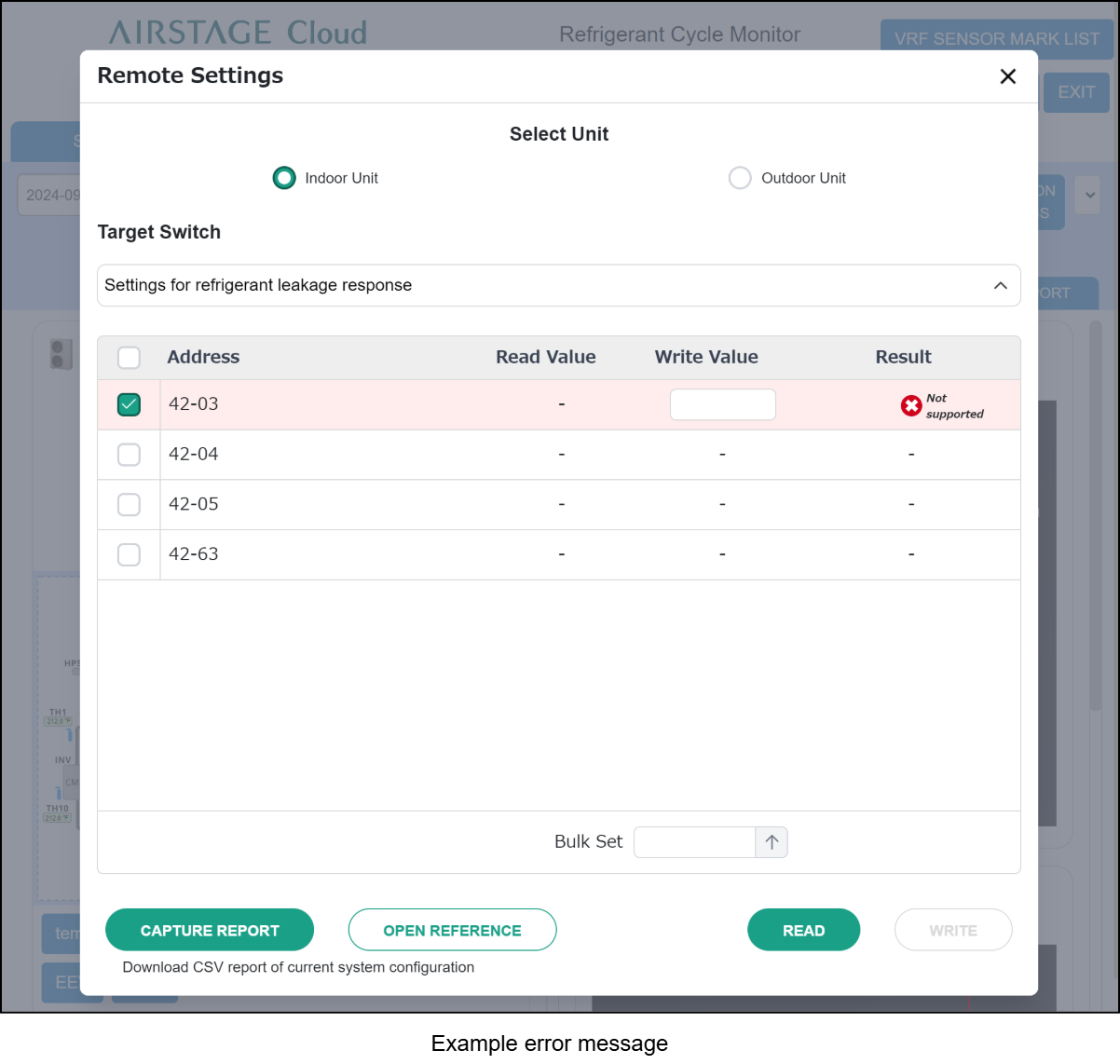
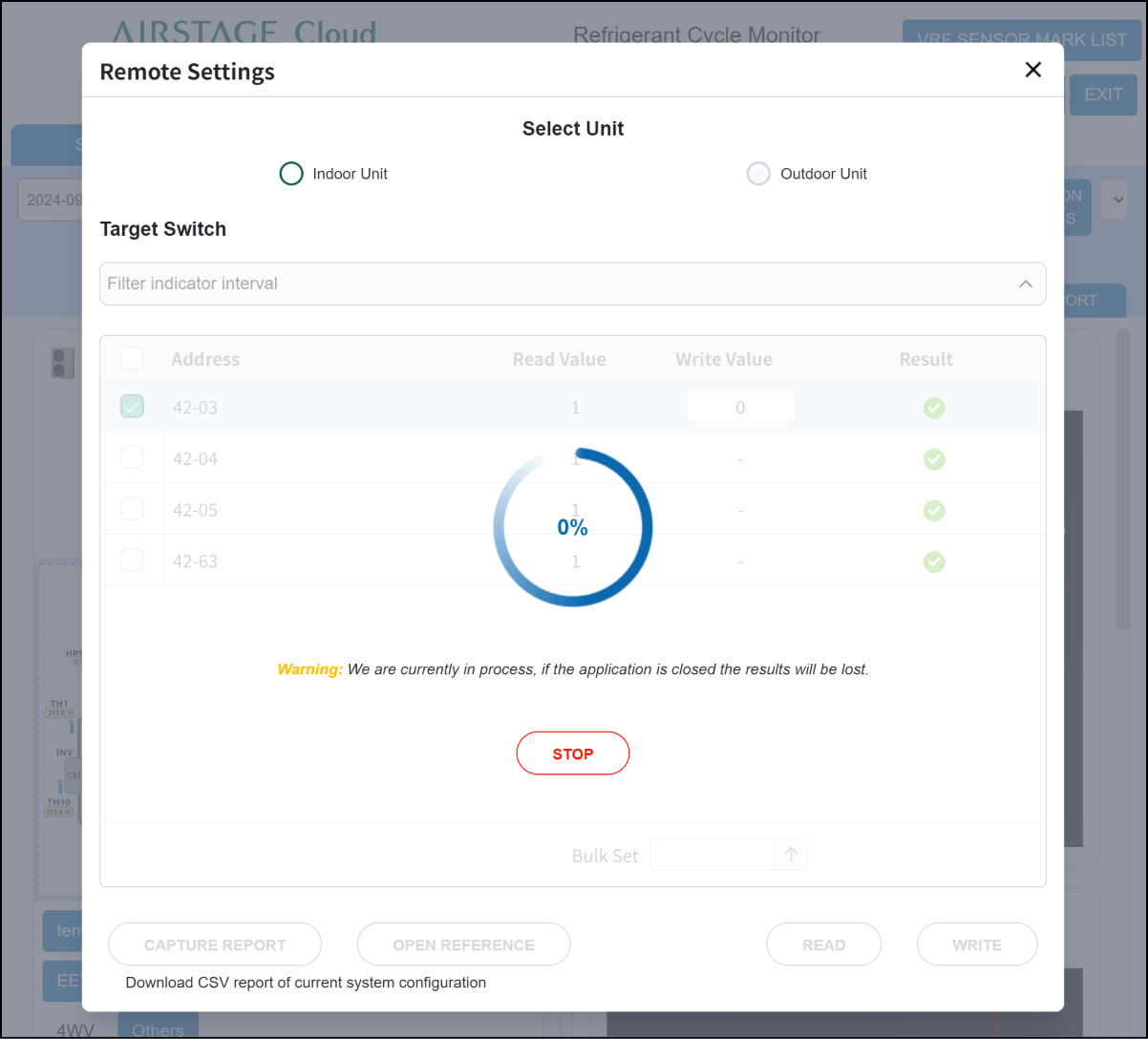
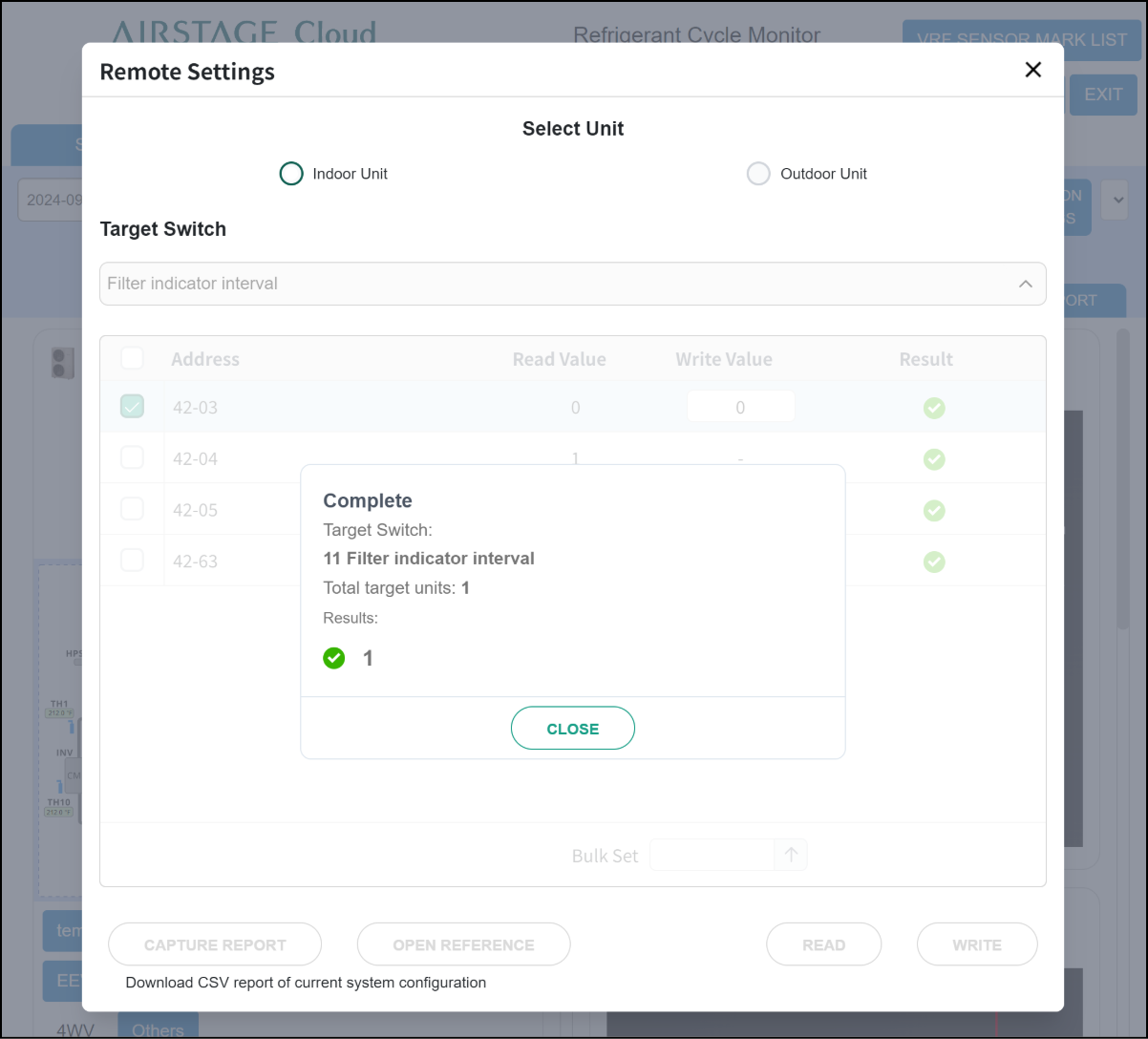
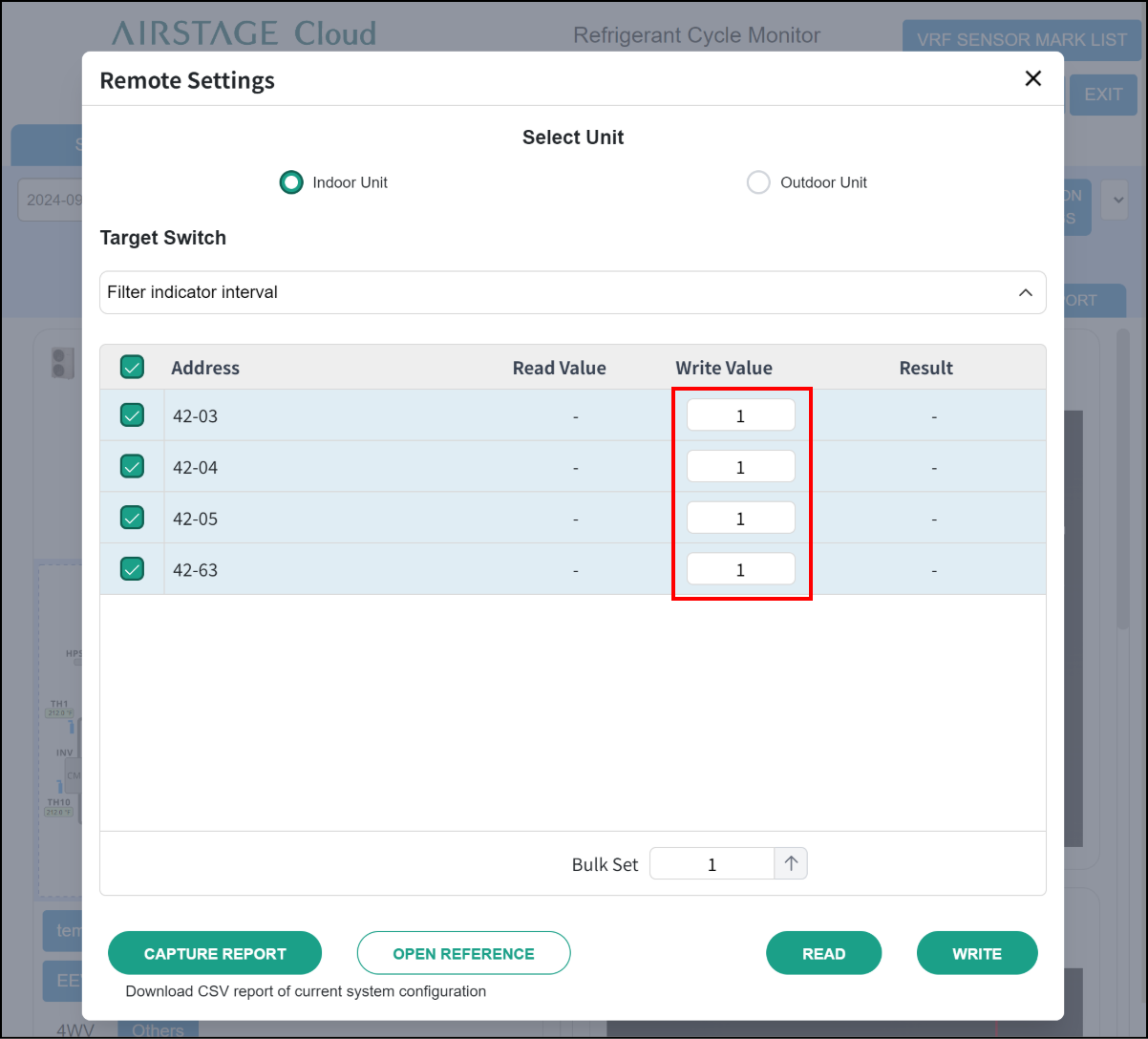
- Perform “Write” to change the value in the function. Enter the value (0 to 99) in “Write Value” field of target unit and tap the “Write” button.
If a large number of units are selected, this process may take several minutes or longer.
Step1
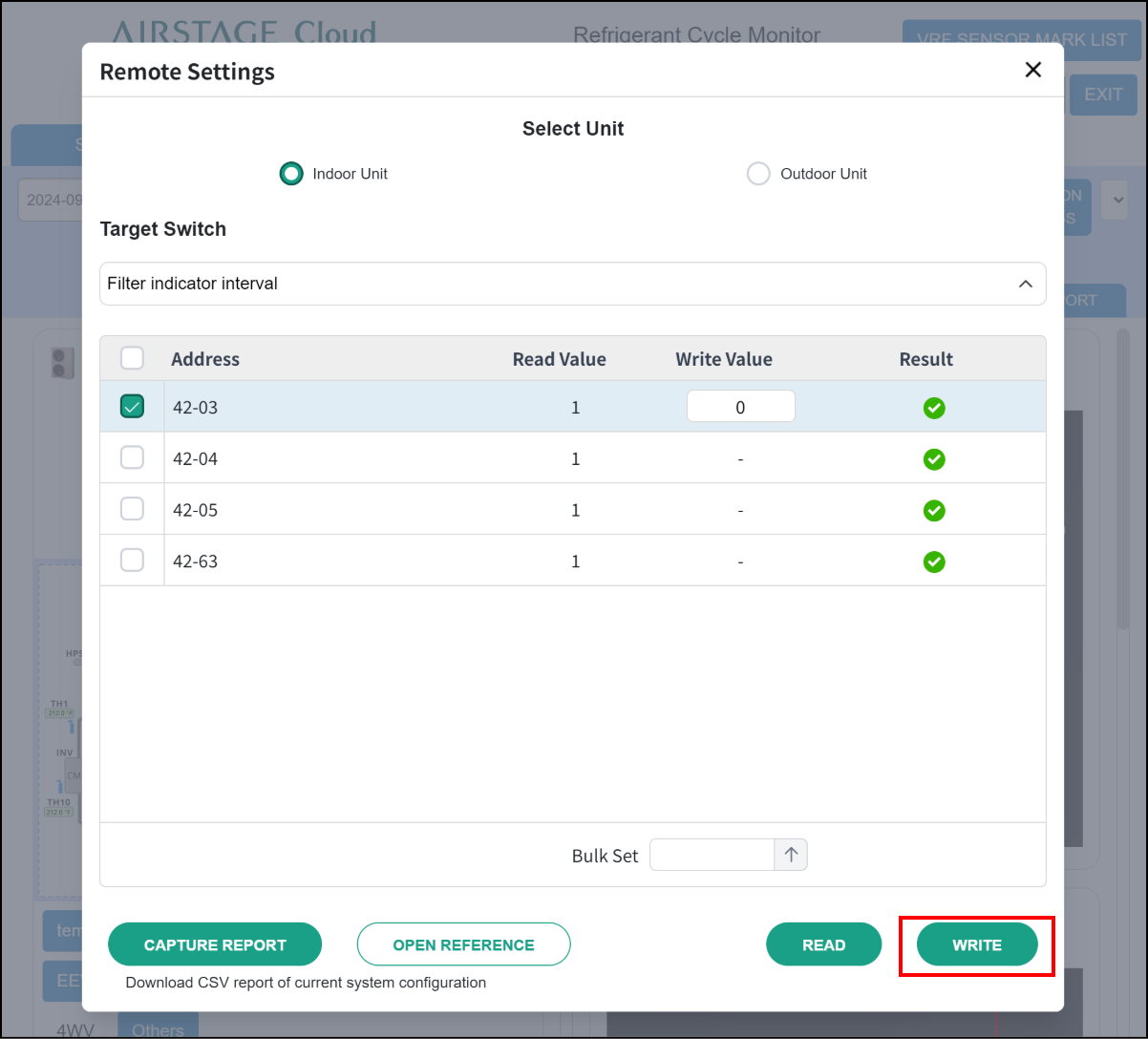
Step2
Step3
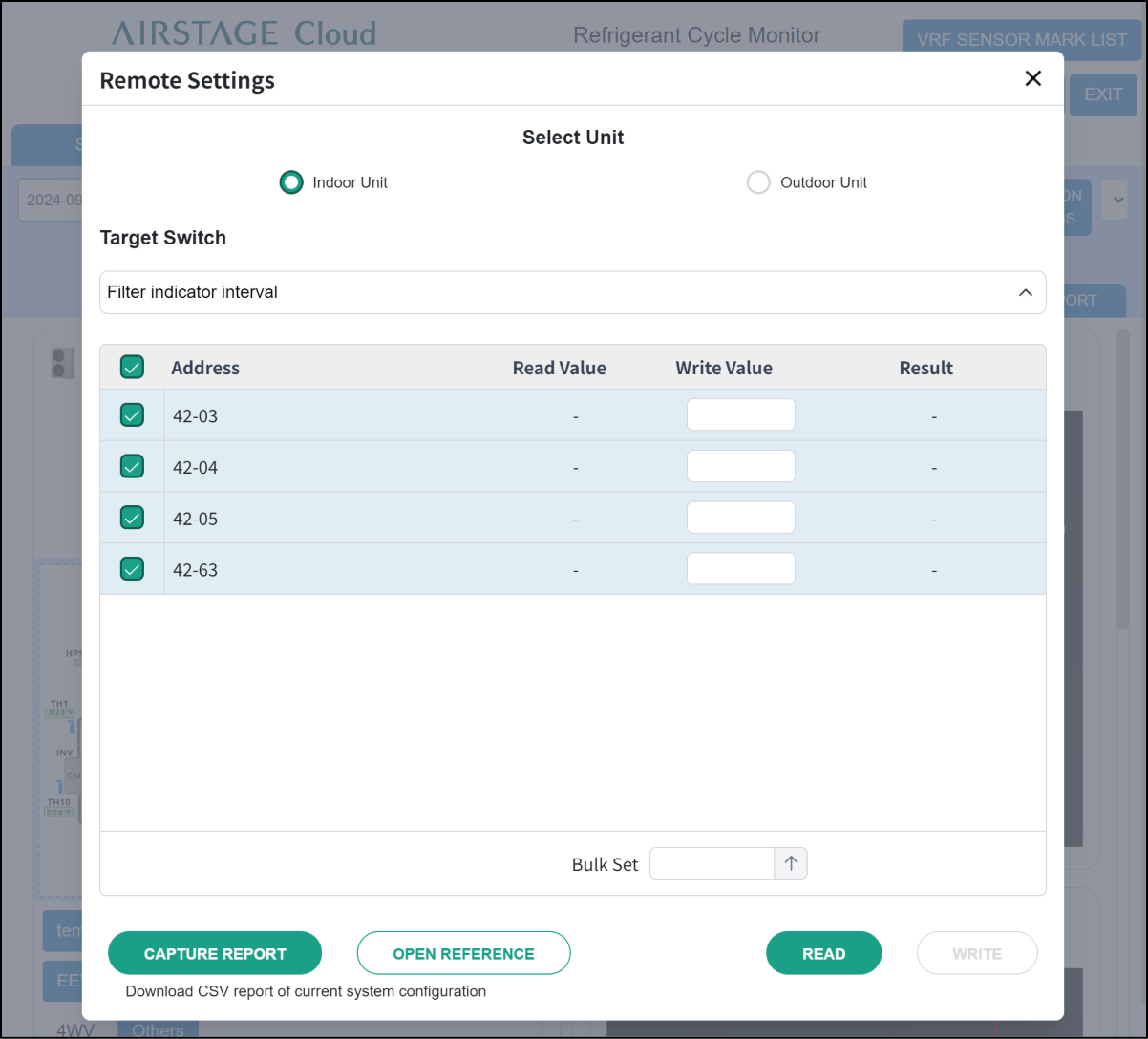
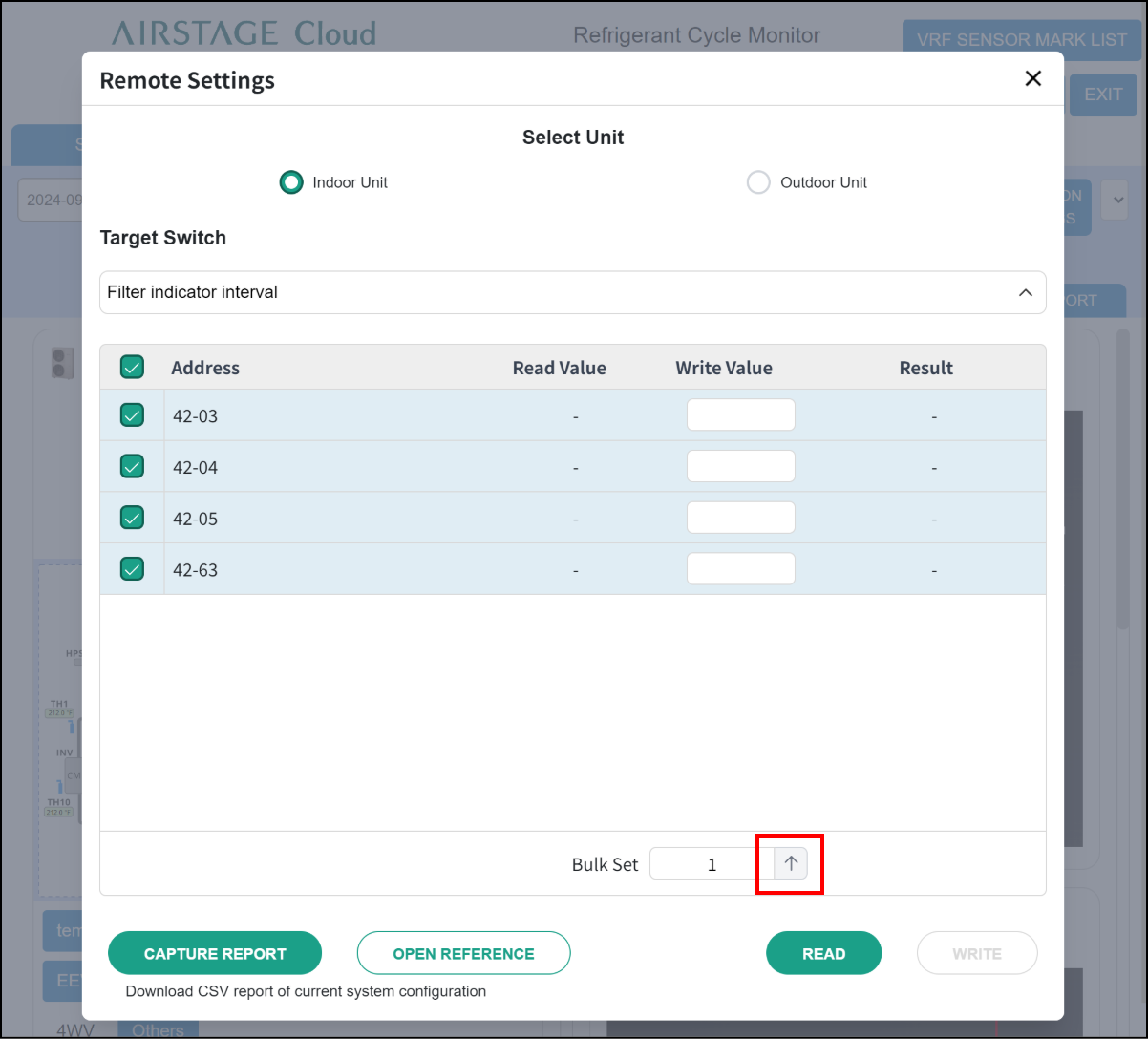
In addition, “Bulk Set” at the bottom of screen can be used to enter the same value for all target units while multiple units are selected.
Enter the value (0 to 99) in “Bulk Set” field and tap the ↑ button.
Step1
Step2
Step3
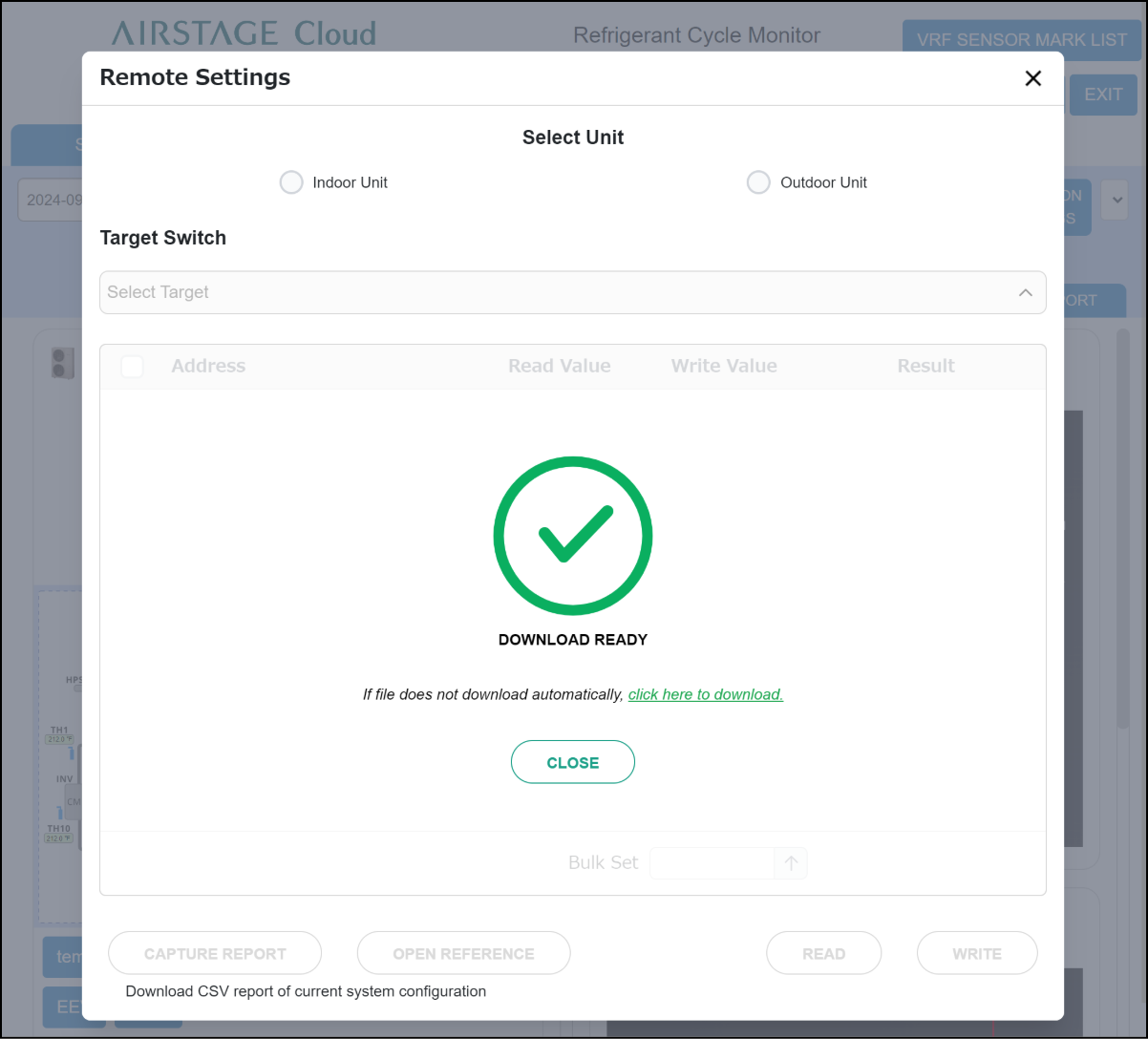
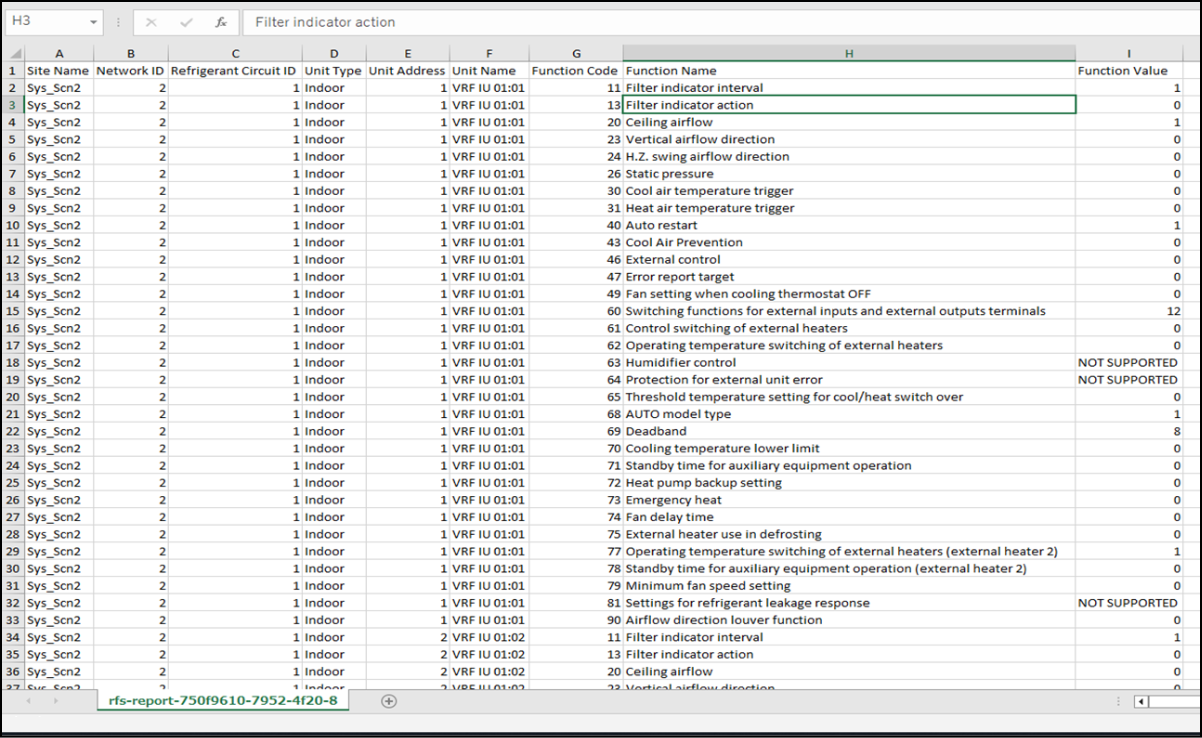
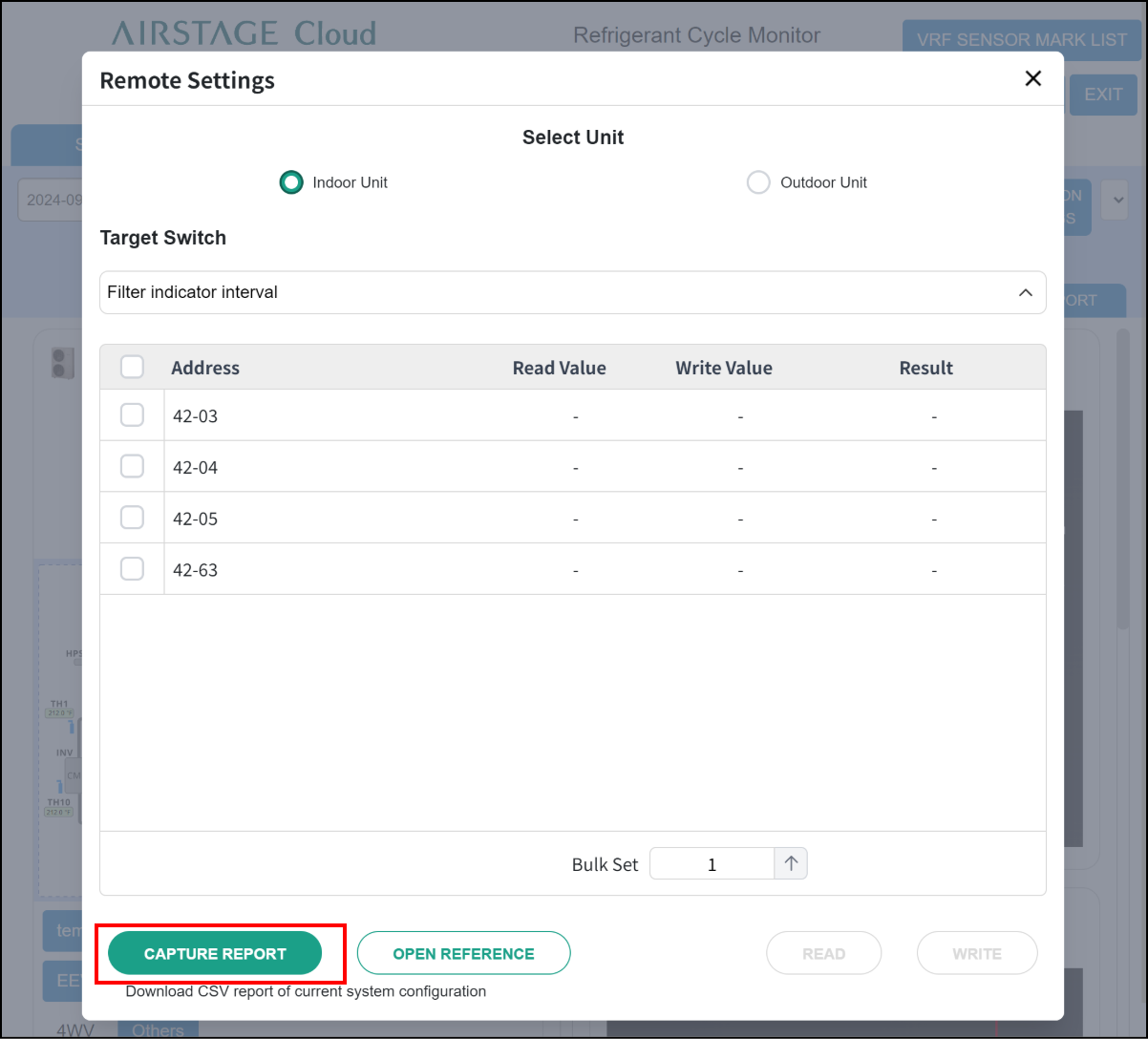
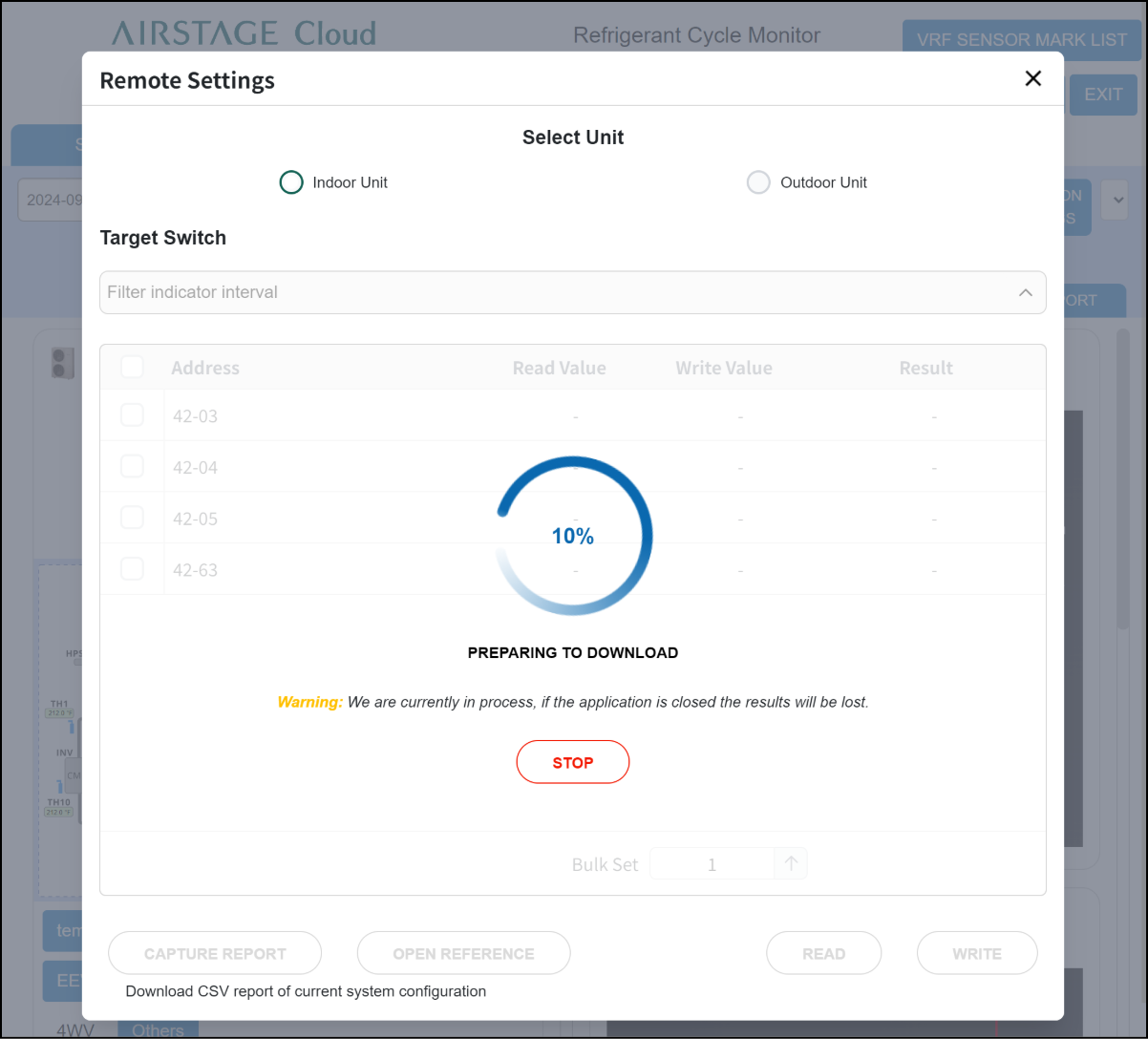
- “CAPTURE REPORT” function can be used to output the current value of function setting for all indoor and outdoor units and check them all collectively.
All values of function (Target Switch) are output in a CSV file.
Step1
Step2
Step3